Interactivity
Customers rotate, zoom in, and examine the product from all angles

 English
 Русский
 Shqip
Shqip
 العربية
 Azərbaycan
 বাংলা
বাংলা
 Bosanski
 Български
 Català
 中文
中文
 Hrvatski
 Čeština
 Dansk
Dansk
 Deutsch
 Nederland
 Español
 Eesti keel
 Philippine
 Suomalainen
 Français
 ქართული
 Hausa
Hausa
 עברית
עברית
 हिन्दी
 Magyar
 Íslenskur
 Indonesia
 Italiano
 日本語
日本語
 қазақ
қазақ
 ខ្មែរ
ខ្មែរ
 Кыргызча
 한국인
한국인
 Latviski
 Lietuvių
 Македонски
 Melayu
 मराठी
मराठी
 Монгол
 Norsk
Norsk
 فارسی
فارسی
 Polski
 Português
 Română
 Sârb
Sârb
 Slovenský
 Slovenščina
 Kiswahili
 Svenska
 Тоҷикӣ
 தமிழ்
தமிழ்
 తెలుగు
 แบบไทย
 Türkçe
 Türkmenler
 Український
 اردو
اردو
 O'zbek
 Vetnam
 廣東話
廣東話
Imagine that customers can interact with your products in an immersive 3D format right on the website. Rotating, zooming, and examining details are not just pictures, but a full—fledged interactive experience. The integration of 3D widgets increases engagement, increases conversion, and sets the brand apart from competitors
Connect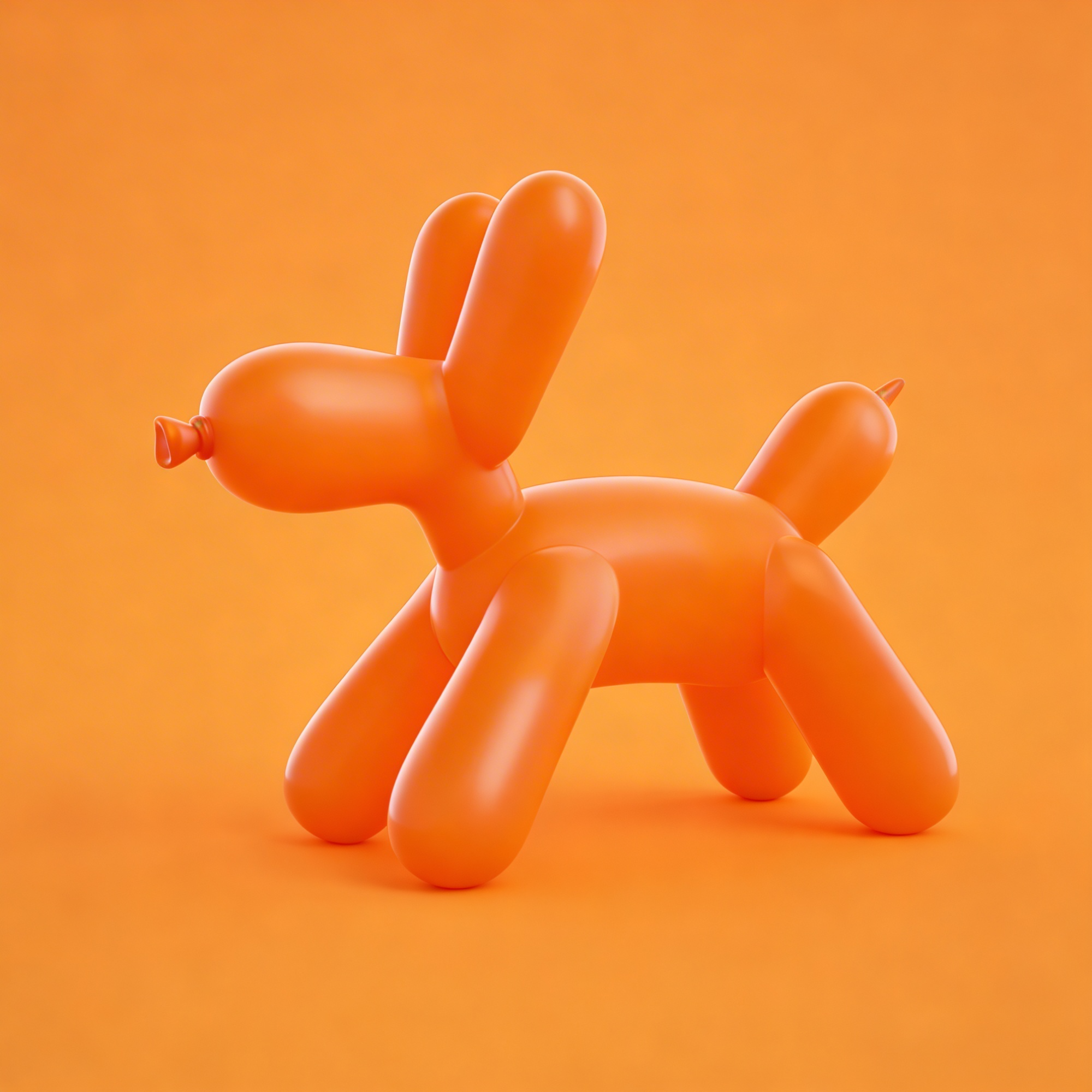
Everything you need for an impressive product presentation
Customers rotate, zoom in, and examine the product from all angles
Visual 3D visualization helps you make a purchase decision faster
Detailed review before purchase reduces frustrations and refunds
Widgets work perfectly on smartphones, tablets and computers
Optimized models do not slow down the site with high quality
A few lines of code and the 3D model is already on your website
From uploading a model to launching it on the website, there is an easy way to interact
Send the finished file in OBJ, FBX, or GLTF format. If there is no model, order its creation from our partners

Choose a color scheme, background, lighting, and viewing angle. Customize the widget to match your brand's style in a couple of clicks

After setting up, you get a ready-made code. Copy it and paste it into the product profile or on the desired website page

The widget starts working immediately. Keep track of interaction statistics, collect feedback, and monitor sales growth

Combine visual impression, engagement, and sales in one solution
Customers choose the angle themselves, zoom in on the necessary details and examine the product in a way that is convenient for them
All 3D models are controlled from one window - add, edit and disable widgets without the help of developers
Detailed visualization shows that you have nothing to hide. Customers trust what they see with their own eyes
No surprises after receiving the order — the product looks exactly like in the 3D model
While competitors are using flat photos, you are already offering an interactive experience
The system shows which products are studied more often, how much time they spend with the model, and after which views they buy